February 3, 2026
Why Todoist and TickTick Stop Working After a Few Weeks
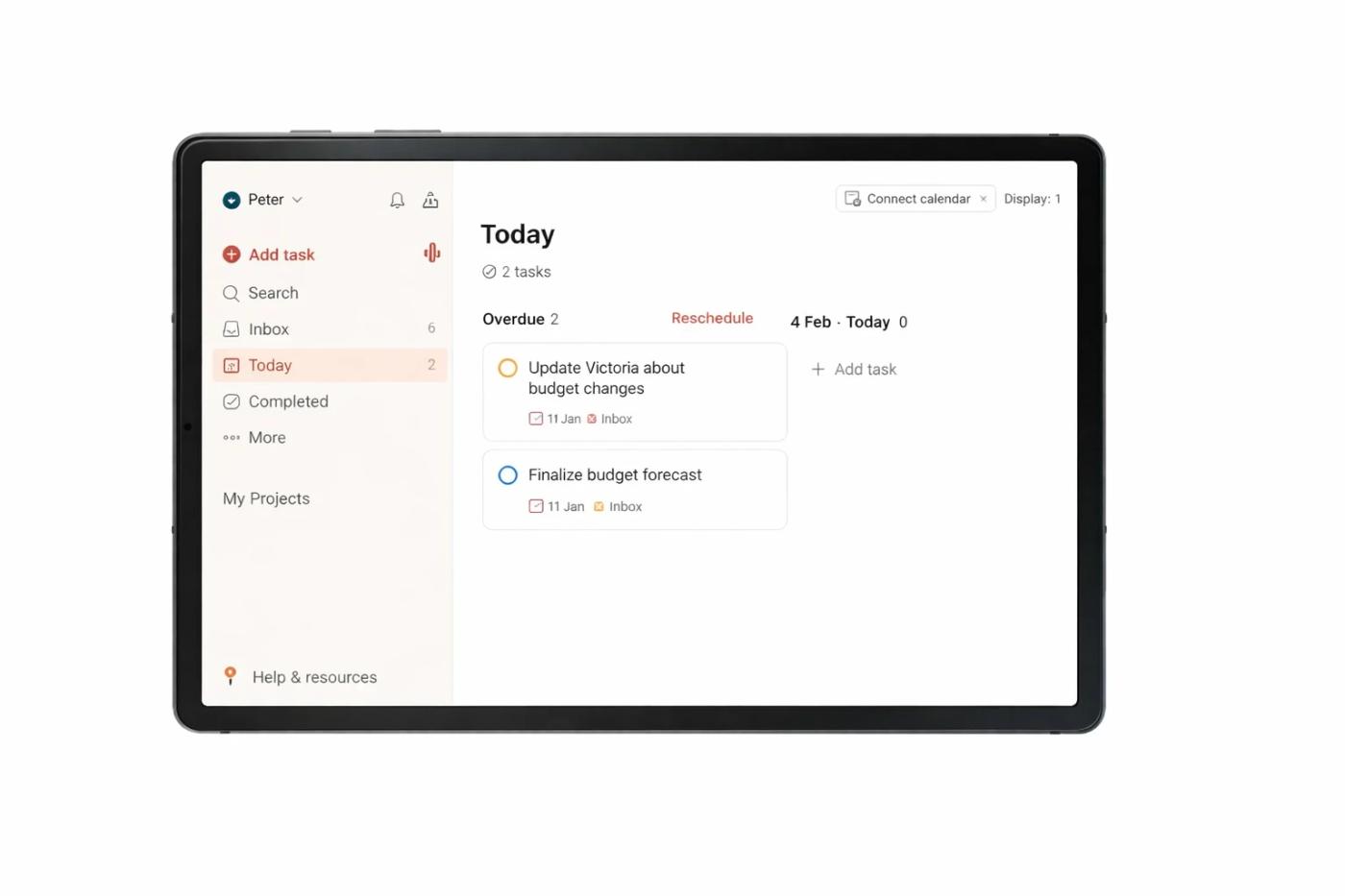
You’re busy all day, yet somehow nothing feels done. If that sounds familiar, pause here. You are not lazy, and nothing is wrong with you. To-do lists and apps like TickTick work at first. You add tasks, check them off, and feel productive. Then, after a few weeks, something changes. Tasks pile up, and managing the list becomes another task. You add more than you complete. That is the signal most people miss. Task lists stop working because they rely on motivation that fades, priorities that shift, and memory that gets overloaded. Over time, they increase mental pressure instead of reducing it. You stay busy, but real progress feels far away.
You’re busy all day, yet somehow nothing feels done.
If that sounds familiar, pause here. You are not lazy, and nothing is wrong with you.
To-do lists and apps like TickTick are useful tools. They help you capture tasks, organize them, and set priorities. At first, it works. You add tasks, check them off, and feel productive.
Then something shifts.
After a few weeks, your task list starts to pile up. Managing tasks begins to feel like a task on its own. You notice you are adding more tasks than you are actually completing.
That is the signal most people miss.
Why task lists stop working
- They rely on memory and motivation
When you first write tasks, your energy is high, and your priorities feel clear. But energy changes.
Priorities shift.
Tasks get old.
What felt important before no longer feels urgent now.
- Tasks pile up without a clear priority
Over time, you are forced to rethink, reorganize, and restructure your list while your life keeps changing. Instead of clarity, you get friction.
- They increase cognitive load instead of reducing it
Task managers become dumping grounds. You write things down, but while executing one task, more tasks appear. You always feel behind.
- There is no real sense of progress
It often feels like you add tasks faster than you complete them. You stay busy, but completion feels far away.
The real problem
Your tasks are not connected to real goals.
Sending emails or attending meetings can be useful. But without context, you cannot see patterns, gaps, or what actually matters. You collect information, but you do not use it to become more effective. So you stay busy instead of making progress.
A better approach
You do not need another app. You need a clearer system.
One that:
- Connects tasks directly to goals
- Includes simple daily check-ins with context
- Helps you prioritize based on your day and long-term direction
- Shows real progress, not just activity
A simple action you can take today
Before adding a task, ask one question:
“What goal does this support?”
If it supports none, pause. Either clarify the goal or remove the task.
Your tasks are not just reminders. They are data about how you spend your time. When they are connected to the right system, they stop keeping you busy and start moving you forward.