February 11, 2026
Top Accountability Apps to Track Goals, Habits, and Tasks in One Place
If your focus feels scattered and progress is invisible, it's not because you're not putting in the work; it's because you don't have a clear system. You have your goals, tasks, and habits spread across multiple apps. This drains your energy, weakens focus, and makes it harder to measure progress. When you have one central system to track long-term goals, weekly tasks, and daily habits, you gain clarity, strengthen your focus, and your progress becomes visible.
If focus has been slipping and everything feels unorganized, this is the reset that has been missing.
You set goals. You made promises to stay consistent.
Yet you feel like something is missing. That's because:
Your goals sit in one app.
Your habits live in another.
Your daily tasks are written somewhere else.
At the end of the day, you feel exhausted, and there is no clear proof of progress.
That feeling is heavy. And it is more common than it seems.
Why This Keeps Happening
When goals, habits, and tasks are stored in different places, the brain keeps switching between tools.
That constant switching:
- Drains mental energy
- Weakens focus
- Creates confusion
- Makes progress hard to measure
This happens because there is no single system holding everything together.
A scattered system creates a scattered mind.
What Is Needed
One central place.
One clear dashboard.
One system that connects:
- Long-term goals
- Weekly tasks
- Daily habits
When everything lives in one place, clarity increases. Focus strengthens. Decisions become easier.
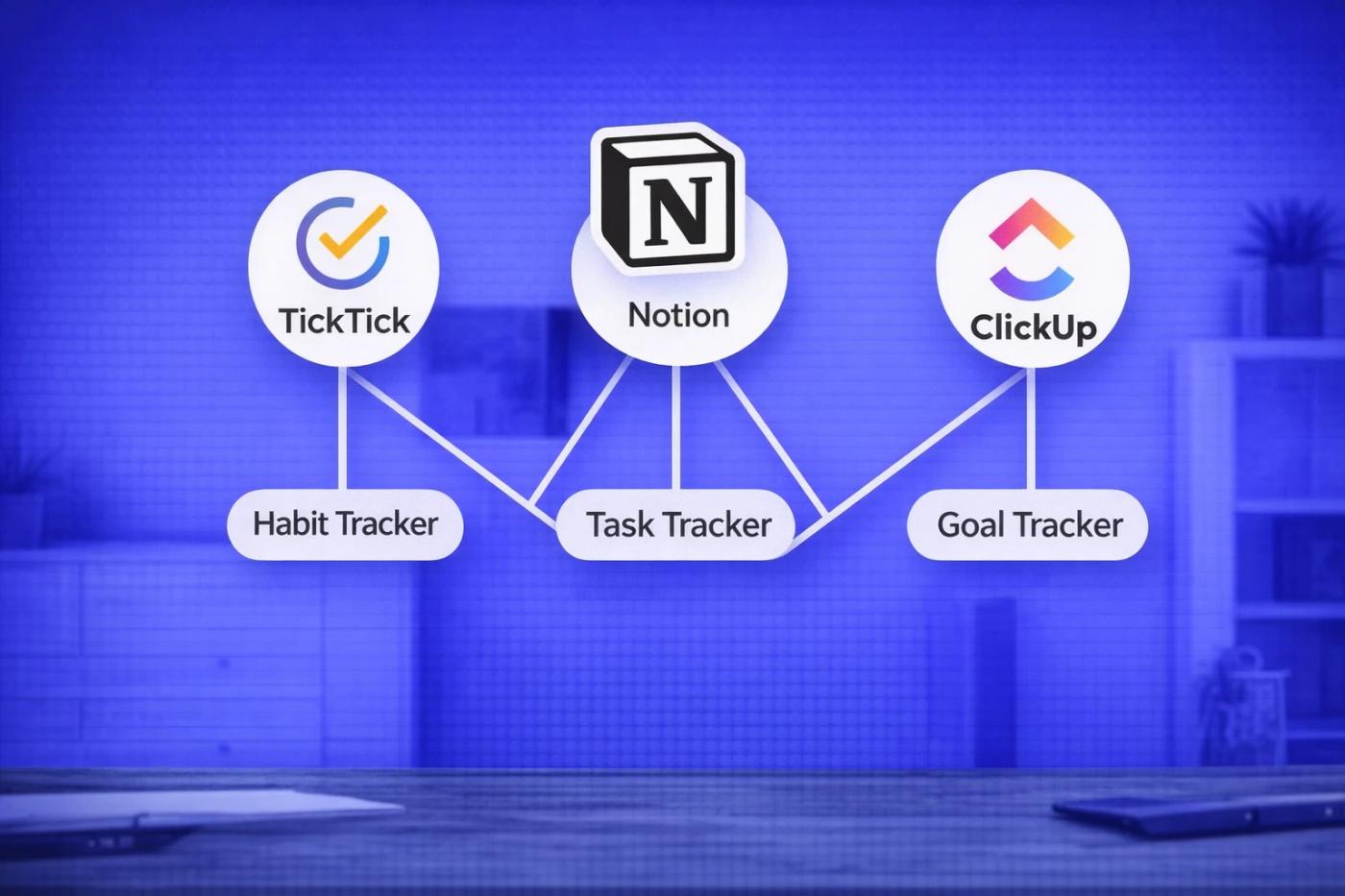
Top 3 accountability apps that keep everything together
TickTick
If simplicity feels better than customization, TickTick is a strong option.
TickTick allows you to:
- Manage daily tasks
- Set long-term goals as projects
- Track habits inside the same app
- Set reminders
When everything is organized in one place, mental load becomes lighter.
Simple way to start:
- Add your top three goals as projects
- Add tasks under each project
- Track two to five daily habits
- Keep it small
Tracking ten habits at once creates pressure. Start small.
Notion
If you need structure and clarity, Notion can do that.
Notion allows you to:
- Set clear long-term goals
- Break goals into smaller tasks
- Track daily and weekly habits
- View everything on one dashboard
When everything is visible on one screen, focus becomes clear.
Simple way to start:
- Create one page. You can give it a name that reflects what you need to do. e.g. My Focus
- List your top five goals
- Add tasks under each goal
- Add a small daily habit checklist at the bottom
- Keep the design simple
Do not overbuild it. Keep it simple.
ClickUp
If many responsibilities are being handled at once, ClickUp offers more visibility.
ClickUp allows you to:
- Create and track goals
- Manage tasks with deadlines
- Set recurring tasks for habits
- View progress in lists or boards
When daily tasks clearly connect to bigger goals, accountability increases. Each task has meaning.
Simple way to start:
- Create one space for personal goals
- Set clear goal targets
- Add recurring tasks for habits
- Review progress once a week
- Keep the setup basic
Complex systems slow action.
Finding it difficult to pick one?
The best app is the one that will be opened every day.
- Prefer flexibility → Start with Notion
- Prefer simplicity → Try TickTick
- Manage many areas → Test ClickUp
Pick one.
Use it for 30 days.
Do not switch during that time.
A simple action plan for today
A clear system is easier to track, not a perfect one. This creates a sense of direction.
If disorganization has been draining your energy, here is what can be done immediately:
- Choose one app
- Write down only the five main goals
- Track one to five daily habits
- Add tasks for the week
- Review everything before the week ends.
Everything does not need to be perfect. It only needs to be in one place.
And once everything is tracked in one place, intention becomes stronger, and goals stop feeling distant.